
How to Check Attendance Percentage in College (and What to Do If It’s Wrong)
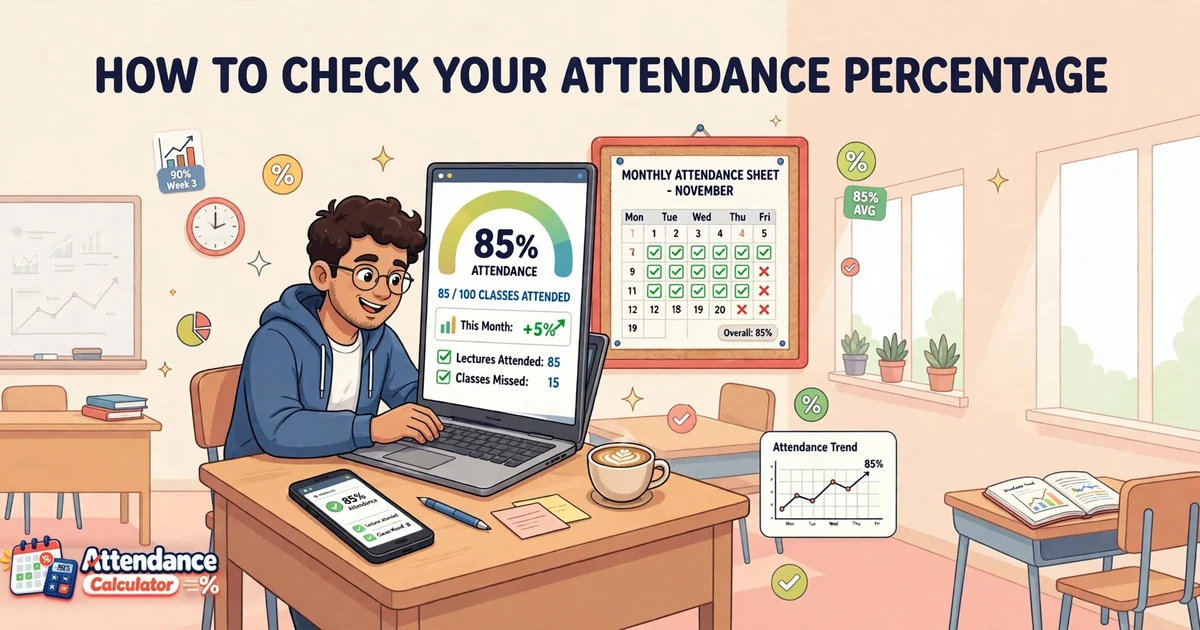
Your college knows your exact attendance right now. Most first-year students have no idea where to look for it. I was one of them. In my first semester I kept my own count in a notes app on my phone, ticking off each class by hand, because nobody had told me the college kept an official number of its own. It took me months to learn that the number I was guessing at was sitting in a portal I already had a login for. This post shows you how to check attendance percentage in college, where the official number lives, how to cross-check it against your own count, and what to do when it looks wrong.
Where can I check my attendance percentage in college?
You can check your attendance percentage in college on your student portal or ERP login, where most colleges show subject-wise attendance. If your college has no portal, ask your class mentor or check the monthly attendance sheet on the notice board. Only a college source counts as official.
That is the short version. The rest of this post covers each place in turn, because the portal hides the number in a different menu at every college, and the backup options each have their own quirks. Pick the first option that fits your college and start there.
Start with your student portal or ERP
ERP stands for Enterprise Resource Planning. It is just the software your college uses to run student records, and the attendance page lives inside it. Most Indian colleges run one of a few common systems, but the steps are nearly the same everywhere.
Log in with the student ID and password your college gave you at admission. If you never got a login, the IT cell or the admin office can reset it in a few minutes. Look for a menu item called Attendance, Academics, My Courses, or Student Dashboard. Some portals put it under a tab called Reports. Click it, pick the current semester, and you should see your percentage, often split subject by subject.
Two things trip students up here. First, the number on the portal updates on its own schedule. Some colleges update it daily, others weekly, and a few only at the end of the month. A number that looks a week out of date is often just a slow update, not an error. Second, the subject-wise split matters more than the total. You can sit at 82 percent overall while one subject drags at 61 percent, and that one subject can still block your exam form. Check every row, not just the big number at the top.
If the portal shows nothing at all, do not panic. It usually means your login is tied to the wrong semester or your subjects are not mapped yet. The department office fixes that in one visit. I have seen first-years worry for a week over a blank page that took five minutes to fix.

No portal? Try these four places
Some colleges still run on paper, and some portals go down for weeks at a time. These four backups cover nearly every college in India.
The department notice board. Most departments pin a monthly attendance sheet on the board outside the office. Find your roll number, read across the row, and write the number down. Take a photo of it too, so you have your own copy. The sheet usually stays up for a week or two before the next one replaces it.
Your class mentor. Every class has a mentor or class teacher who holds the full record. Ask them after class, not in the middle of it, and ask for the subject-wise split. Mentors also know why a number looks odd, like a week when half the class was on an industrial visit.
The department office. The office keeps the official register and can print your record or tell you the number on the spot. This is the place to go when you need proof in writing, like for a scholarship form or a condonation application.
Your class representative. The CR often gets the sheet before it goes on the board, or knows who to ask. It is the fastest route when the office is closed and the portal is down.
One honest warning here. A number from a friend’s count or a class group chat is not official. It can be a useful early warning, but the only numbers that count for exams and scholarships are the ones your college holds. Use the informal count to spot trouble early, then confirm it through one of the four places above.
How to cross-check the official number with your own count
Trust the portal, but check it. Teachers mark in a rush, sheets get mixed up, and a single wrong tick can cost you a few points. I cross-check my number once a month, and it has caught two errors in three years. Both were small, both would have hurt at exam time.
Keep your own tally. Mark each class you attend in a notes app or in an Excel sheet that tracks attendance for you. At the end of the month, work out your own percentage. If you need the steps, my guide on how to work out your attendance percentage walks through the maths with real examples. This post stays focused on finding and checking the number, not redoing the sums.
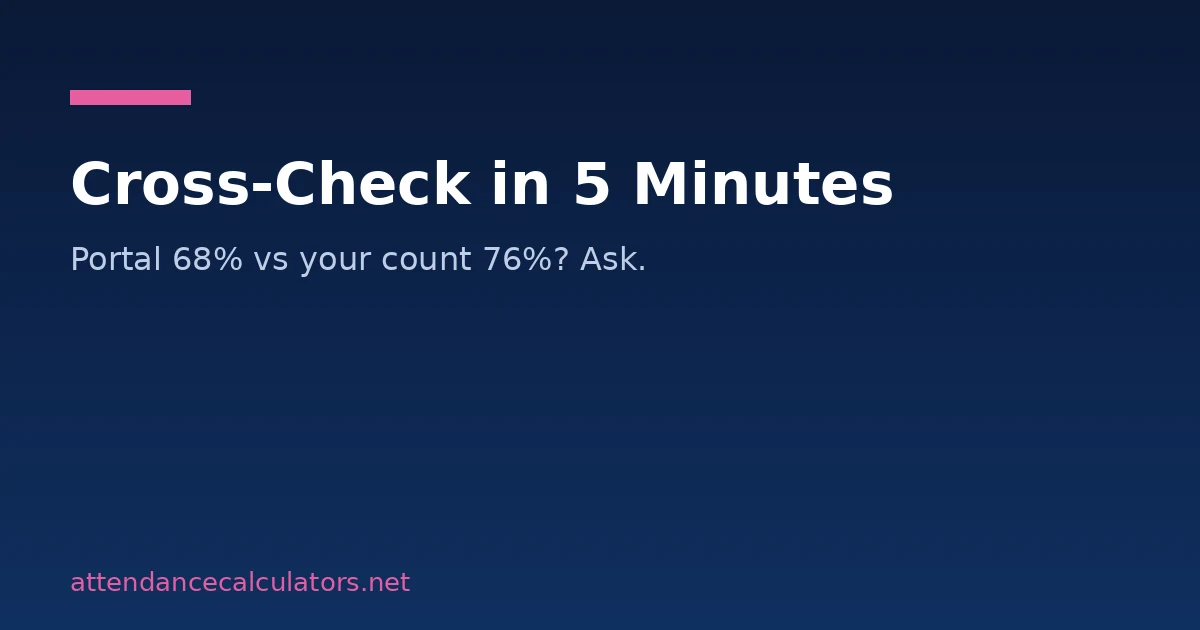
Then compare. A gap of one or two points is normal. A class gets cancelled, a teacher marks latecomers differently, a lab counts twice. A gap of five points or more is worth a question. Here is what a real mismatch looks like:
| What you checked | Portal says | Your count says | Gap |
|---|---|---|---|
| September, all subjects | 68 percent | 76 percent | 8 points |
| September, maths only | 55 percent | 80 percent | 25 points |
In this example the total is off by 8 points, but maths is off by 25. That tells you the problem sits in one subject, not across the board. Maybe the maths teacher marked a whole week wrong, or a batch of lab sessions got counted twice. You now know exactly which teacher to ask, and exactly which dates to ask about. That is the whole point of the cross-check. It turns a vague worry into a specific question.
What to do if your attendance looks wrong
Finding an error is only half the job. Fixing it takes a few calm steps, in the right order.
Step 1: save proof the same day. Screenshot the portal page or photograph the notice board sheet. Dates matter here, because numbers change as new classes get marked, and you want a copy of what you actually saw.
Step 2: compare with your own record. Write down the dates that differ, subject by subject. “My attendance is wrong” gets you nowhere. “Maths on 12, 13 and 14 September shows absent, but I was in class” gets you a fix.
Step 3: talk to the subject teacher first. They hold the register for that class, so they are the only person who can correct it at the source. Go after class, stay calm, and show them the dates. Most errors get fixed here, on the spot, because teachers would rather correct a register than defend it.
Step 4: go to your mentor if the teacher cannot help. Your mentor can raise it with the department and get the correction entered in the official record. Bring your screenshots and your own tally. Paper beats memory in these talks.
Step 5: follow up in a week. Check the portal again after seven days. If the number has not moved, ask the department office for a written correction and keep a copy of everything. A paper trail sounds formal, but it is the thing that saves you if the same error shows up again at exam time.
One line I need to say plainly: ask only for real errors to be fixed. Never ask a teacher to mark you present for a class you missed. That is fake attendance, and it can cost you far more than the marks it seems to save. The fix you want is an honest number, not a better one.

A quick way to keep the number safe all semester
Checking once is good. Checking on a rhythm is better. I use a simple loop that takes about ten minutes a week, and it has kept me out of trouble since my second year.
Check the portal every Monday morning and write the number down. Update your own tally at the same time so the two never drift far apart. If the gap stays under two points, move on. If it grows past five, start the fix-it steps above that same week. And keep a semester view too. A planner that maps your whole semester shows you how many classes you can still miss and stay above the line, which is the number that actually decides whether you can relax or need to show up every day.
The students who get caught out are rarely the ones who skip the most classes. They are the ones who never looked. A two-minute check each week is the cheapest insurance in college.
Myth vs Fact
Myth: “The portal number is always right, so there is no point checking it yourself.”
Fact: Portals show what someone typed into them, and people make mistakes. Teachers mark in a rush, sheets get mixed up, and cancelled classes sometimes stay in the total. A monthly cross-check against your own count catches these errors while they are still easy to fix. The portal is the official record, but official does not mean perfect.
FAQ
How often should I check my attendance percentage in college?
Check it once a month, at least, and once a week if you are close to the 75 percent line. A weekly check takes two minutes on most portals and catches errors while they are still easy to fix. I check mine every Monday, and it has saved me twice.
Why is my portal attendance lower than my own count?
Small gaps are normal. A teacher may mark a late entry as absent, a cancelled class may show in the total, or a lab may count twice. Compare the split and note the dates that differ. If the gap is more than five percent, ask your teacher about those dates.
Can I check my attendance without a portal login?
Yes. Ask your class mentor or check the monthly attendance sheet on the department notice board. Some colleges also send attendance by SMS or share it in the class group. If none of these exist at your college, the department office keeps the record and can tell you your number.
What is a good attendance percentage to stay safe?
Stay above 80 percent if you can. Seventy-five percent is the usual minimum for exams and scholarships, so 80 percent gives you room for a sick week or a family emergency. Below 75 percent you start losing exam eligibility, and below 70 percent most colleges get strict fast.
Who do I contact first if my attendance is wrong?
Start with the subject teacher for that class, because they hold the register. Take the dates and your own record with you. If that does not fix it, go to your class mentor, then the department office. Keep a copy of every message and correction you ask for.
Your next step
Your college already has your number. Go and look at it today, before you need it for anything. Open the portal, find the attendance page, and write the number down next to your own count. If the two match, you now have a weekly habit that takes two minutes. If they don’t, you have a specific question to ask on Monday, while there is still time to fix it. Either way, you stop guessing, and that is the whole point.



3 Comments